Beautiful presentations.
Free for everyone.
Free download
No subscription. No in-app purchases.
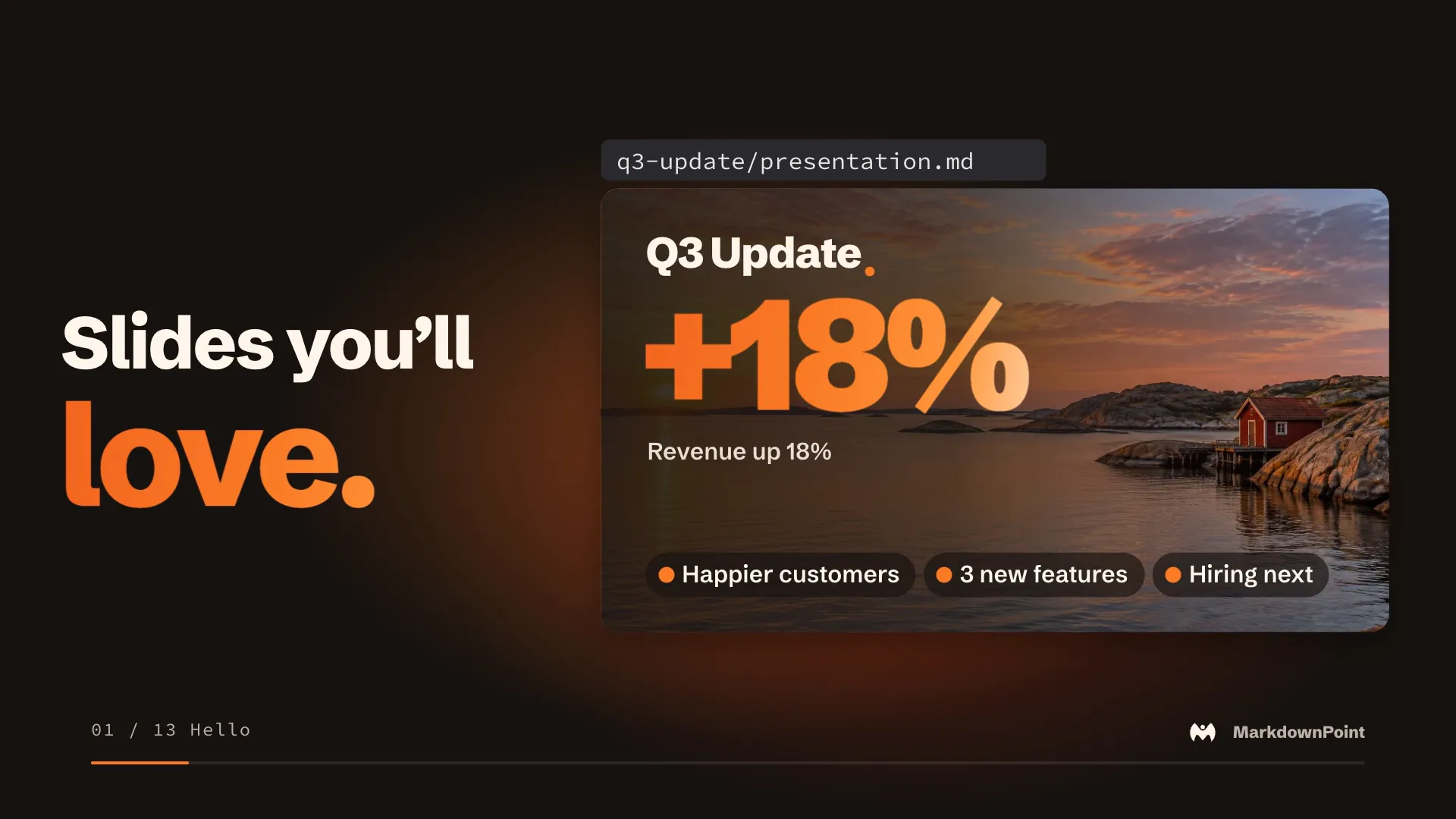
The presentation engine
Everything snaps into place.
Smart guides, equal spacing and live layouts.

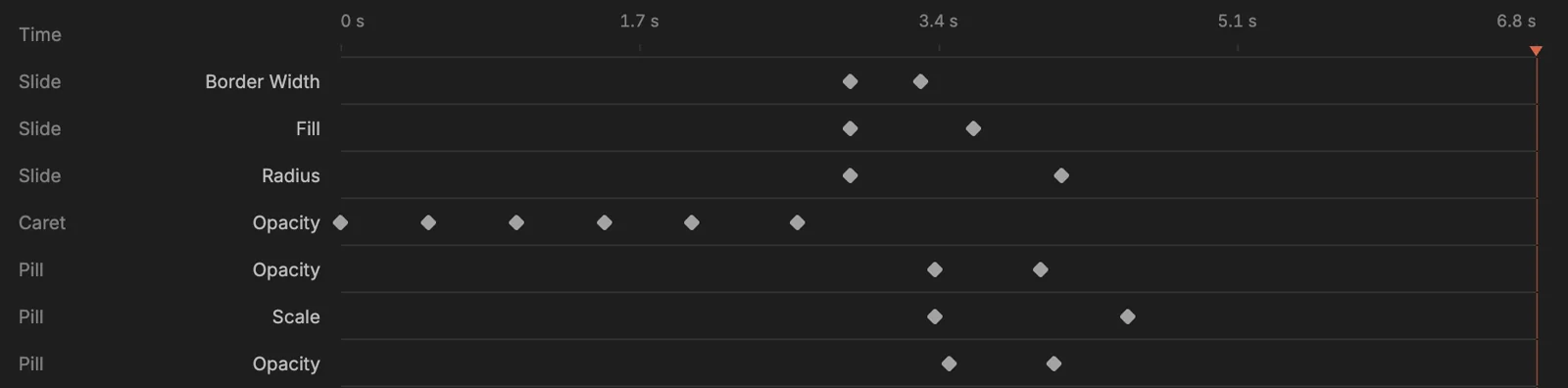
The motion engine
Motion graphics.
Built in.
Keyframes, paths, morphs, blur and depth, on every slide.

AI first
Built for AI agents.

Your slide
writes the prompt.
The picture keeps it, ready to try again.

Restyle
any photo.
Pick a style, or write your own.

Create, edit, animate and export through MCP and the CLI.
AI features use your own API key.

Your slides are files.
You own them.
Words in Markdown. Layout in YAML.
<!-- text: files-detail -->
Words in Markdown. Layout in YAML.

<!-- text: files-line -->
Your slides are files.<br>==You own them.==files-line: { …, frame: { x: 120, y: 110, width: 1680, height: 240 }, style: title, size: 104, … }
files-detail: { …, frame: { x: 120, y: 360, width: 1680, height: 60 }, size: 38, color: "#BDB2A9", … }Need a .pptx?
Send one.
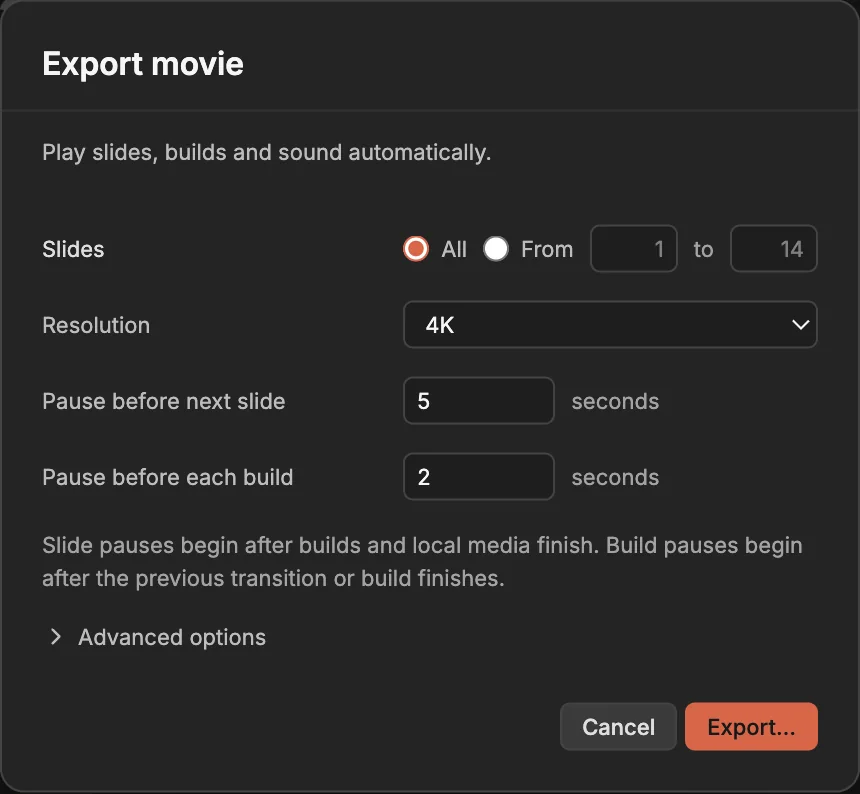
Export .pptx, PDF, images and 4K video.

Edit together.
Free.
Live cursors and comments, in a shared Dropbox folder or a shared session.

Publish to the web.
Free.
Sign in free, then share one link.

From the maker of
Notebook Navigator.
1M+
downloads.
Free download.
No subscription. No in-app purchases.